
Jump to section


Need Support?
Can’t find the answer you’re looking for? Don’t worry we’re here to help!
Contact supporthsbKey | User Login and Account Setup
Note: A new user must accept the invitation and validate their email before they can be active in the licensing system. Until they do, they cannot be assigned to the correct user group for license consumption.
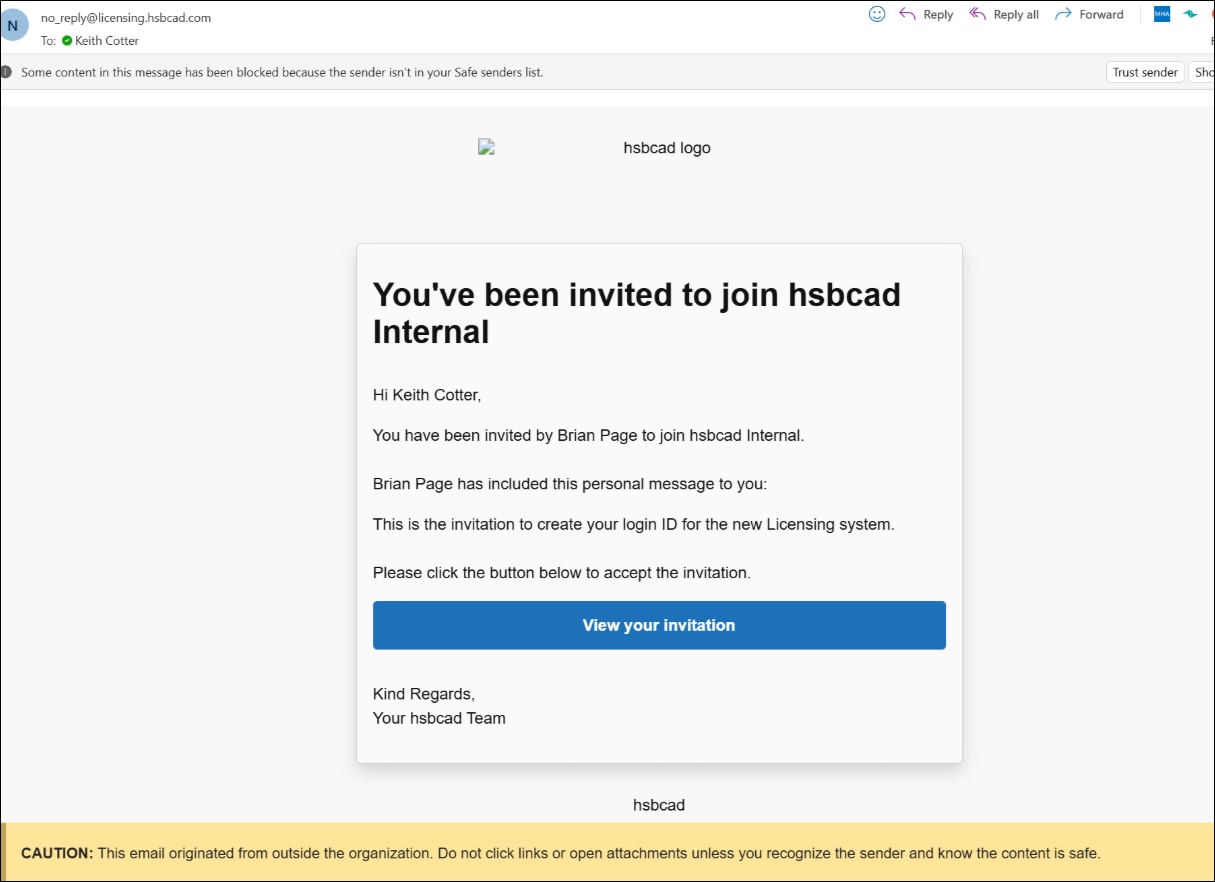
- After receiving the invitation email, the user selects View your Invitation, which opens the hsbcad | hsbKey invitation screen.
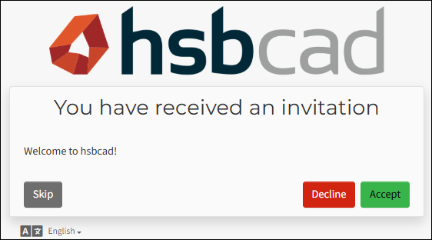
- The user selects Accept.
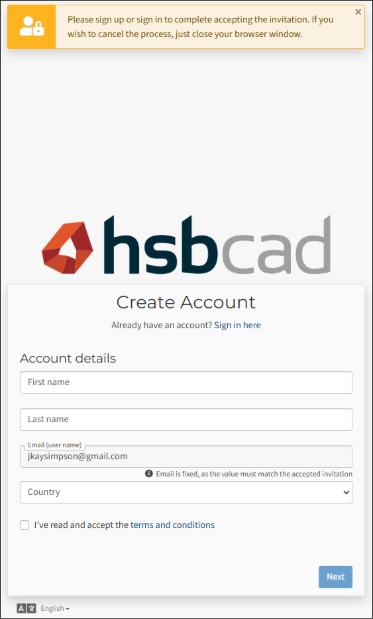
- The user is taken to a Create Account screen and follows the on-screen instructions to set up their login details.
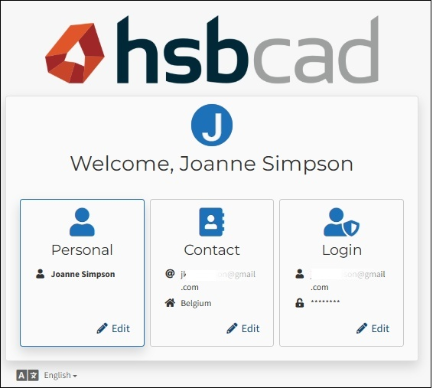
- After the account is created, the user logs in and reaches their Account Profile, where they can update their profile information.
login, hsbKey, hsbLicensing, licensing, license, hsbLicense, credentials, hsbcredentials