This tsl assigns entities to a loose group.
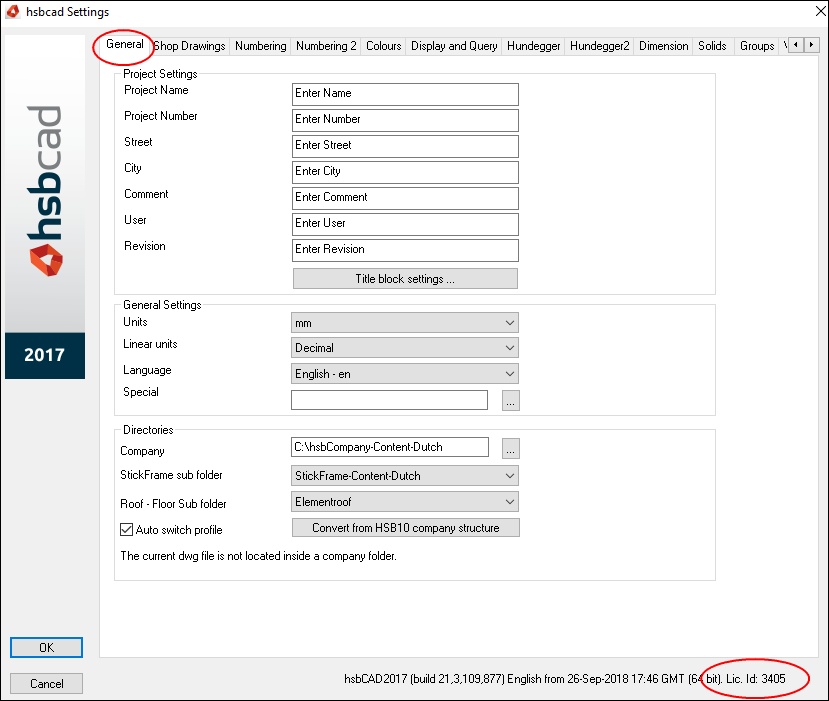
There are different ways in finding your Fingerprint License.
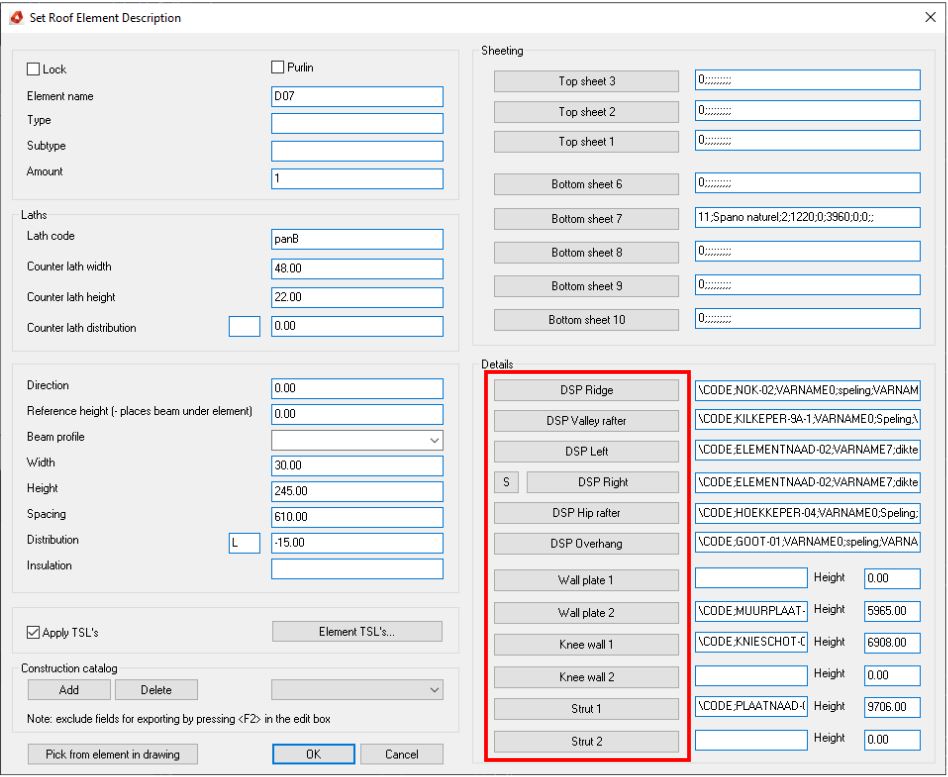
When you try to open the DSP details and set the parameters nothing happens.
This document will show you how to uninstall hsbDesign.
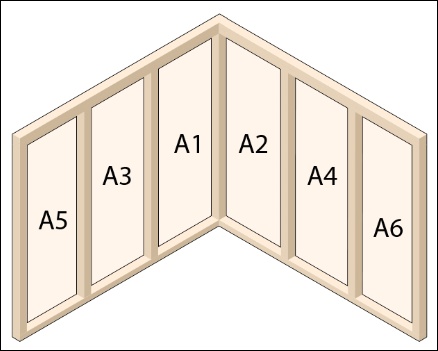
This tsl assigns an element to a multiwall number and sets a sequence number based on selection. To be used in conjunction with the exporter's multiwall extension.
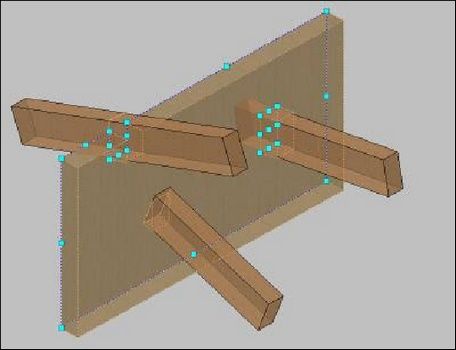
This tsl assigns beams to a zone of an element.
This document will show how to check your current hsbDesign version in AutoCad Architecture® and Revit® How to check you Autocad Architecture® version. In Autocad Architecture when you hover over the hsbcad icon in the bottom right corner the following popup will show.
This tsl assign beams with a specific code to a floor level group specify by a property.
How to customize the hsbWall Icon (Video).
This function puts a separate detail on a wall end. This can also be used for the Top and Bottom of a hsbWall.
The update failed with exit code 5, This can happen in versions of hsbdesign before V23. 3.
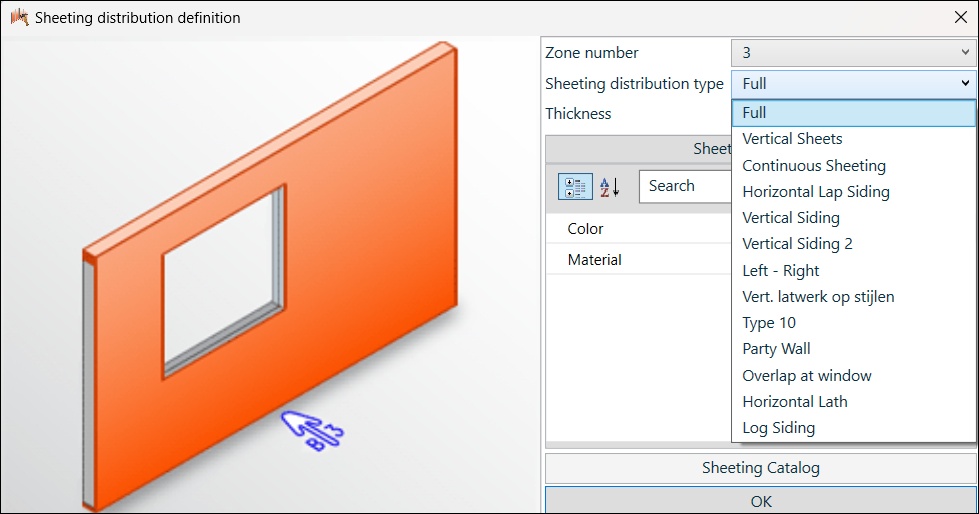
This document will show you the different sheeting types in the hsbWalls in the Wall Detail Builder.
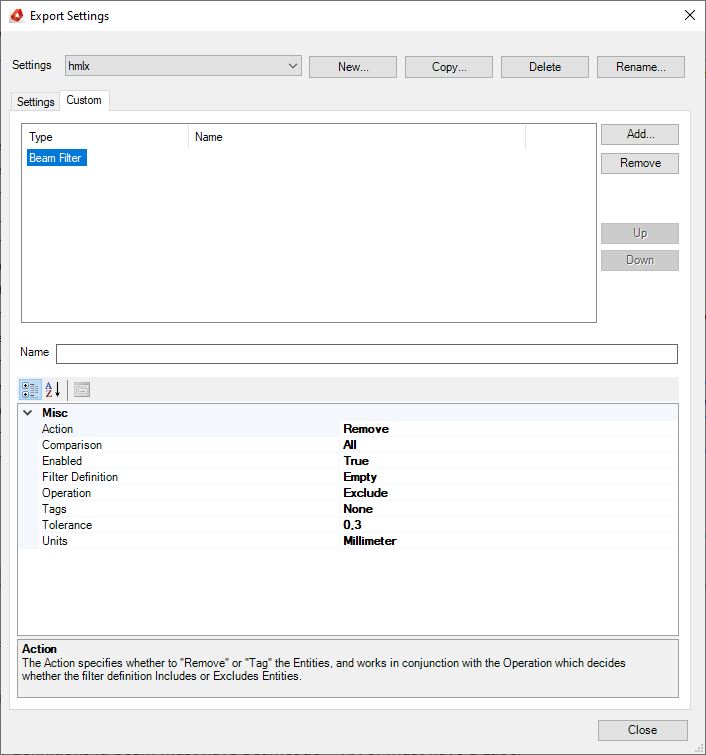
Bei Verwendung des hsbExporter/ CNCexporter können Filter verwendet werden, um bestimmte Auswahlsätze zu exportieren. In den meisten Fällen wird der Stabfilter oder Plattenfilter verwendet.
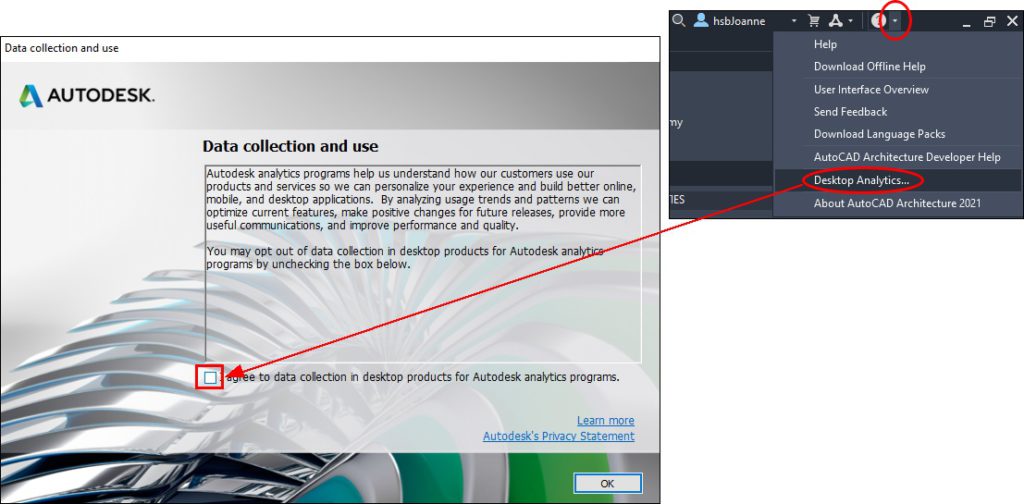
If you encounter performance issues while running ACA or REVIT you might want to check your settings of Autodesks Data mining. If it is enabled the Autodesk process might eat up almost all your CPU while collecting.
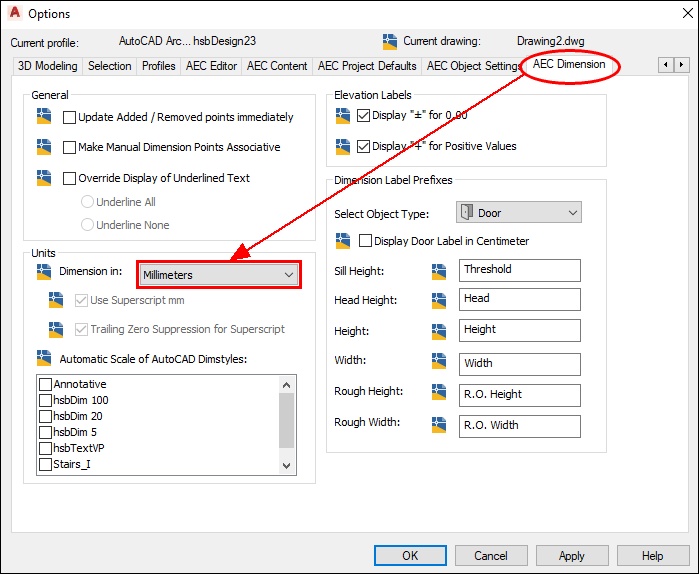
When your Automatic Dimensions (tsl's) are in Meter (m) and not in Millimeters (mm) in your layouts then you need to change the AEC Dimension Settings in the AutoCAD® Options dialog box to mm. Don't forget to change this in your Template drawing.
This document will show you all the different beam types hsbcad uses.
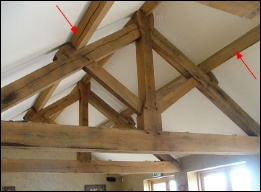
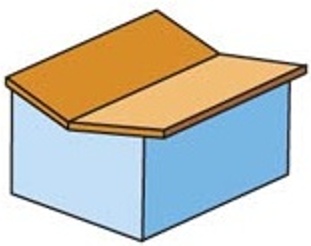
This document will show some different Roof Types and a video on How to draw Different Roof lines.
This document will show you how to create different Material Densities. Materials in hsbcad can have different densities.
hsbDesign23 is our latest version from 2020. Before you can install and download hsbDesign23 on Autocad Architecture you need to create a Myhsbcad Account.
Commands to CLEAN up your drawing and reduce file size. Use the command PURGE regularly, this will remove unused blocks, layers and trash files. Use the command AUDIT regularly, this will remove any errors.
Masterpanel nesting is used in hsbcad to minimize the production waste of the CLT panels during manufacture. This document will show you how to create a nesting and apply company settings to optimize the process.
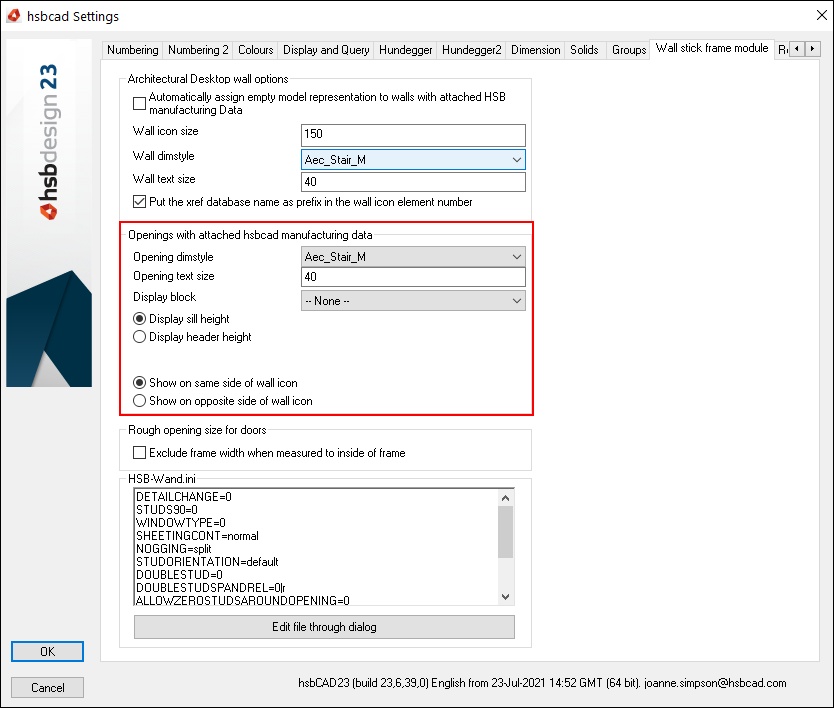
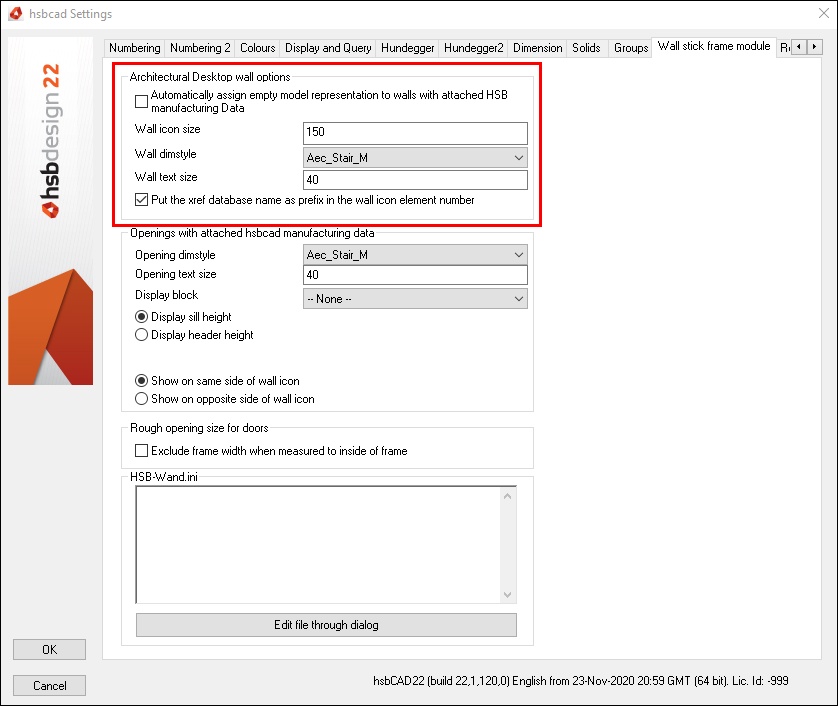
This document with video will show you how to customize the hsbWall Icon of a Wall and how to change the text and Wall arrow size.
This tsl gives you the possibility to set a point to use as 0 point for export to ifc.
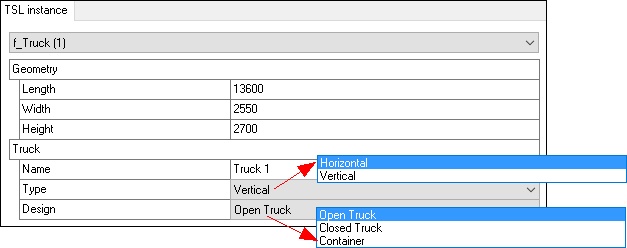
This document will explain how to use the hsbStacking / truck loading tsl's. This is done by using an example project.
This tsl Export the perimeter, area, number of corners and opening perimeter to the data base.
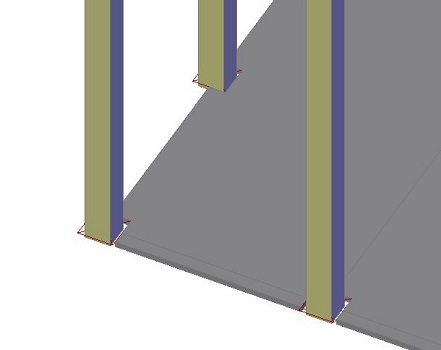
This tsl creates connection between columns and the floors.
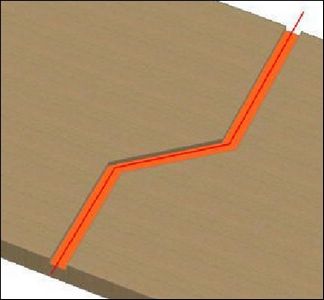
This tsl creates segemented beamcuts along a polyline for a genbeam\Beam\Panel.
This tsl translates the given string into the current language if the text is embraced with vertikal pipes'' ||.
This tsl adds marking from polylines, roof planes, roof elements and solids.
This tsl creates segemented beamcuts along a polyline.
This tsl stores up to 2 alternative languages in the autocad database to be used for special shopdrawings.
This tsl creates collision free tags in paperspace, looking to modelspace entities.
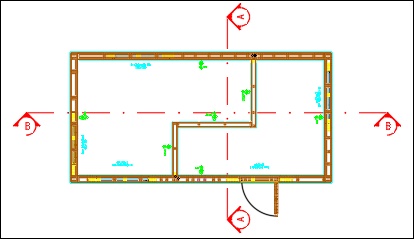
This tsl creates a section in the drawing.
This tsl shows (optional) element data in wcs or ecs view and publishs elementdata for the output to excel.
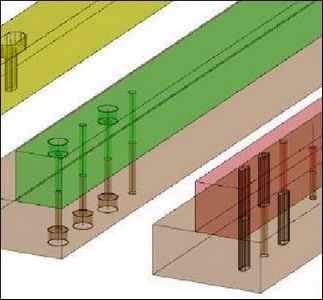
This tsl creates a drill distribution along X-Direction of a genbeam, optional one can connect additional genbeams with it.
This tsl turns all groups of the selected elements off.
This tsl calculates the center of gravity of any hsbcad item, element or assembly. This tsl works in combination with various tsls such as the hsb_G-Information and the hsb_W-Lifting.
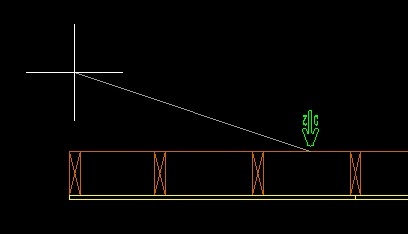
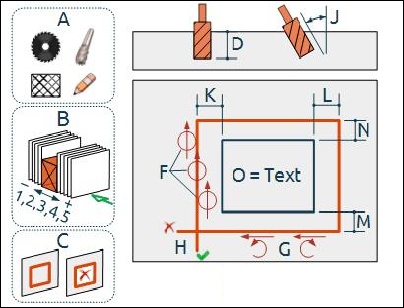
This tsl creates a saw or milling line or a no nail area of a zone of an element.
This video will show you how to use the Hanger BT4 tsl in the German ribbon.
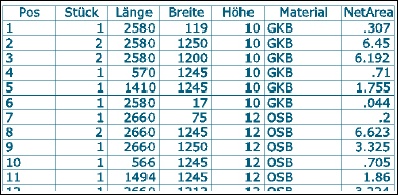
This tsl creates a bill of material of a set of entities in Model and or Paper space.
This tsl creates blockings in dependency of walls or plates and selected rafters as well as blocking grooves.
This tsl has to be attached to the main viewport. This tsl displays the section locations for hsb-ElementSection.
This tsl creates marker lines for a t-connection.
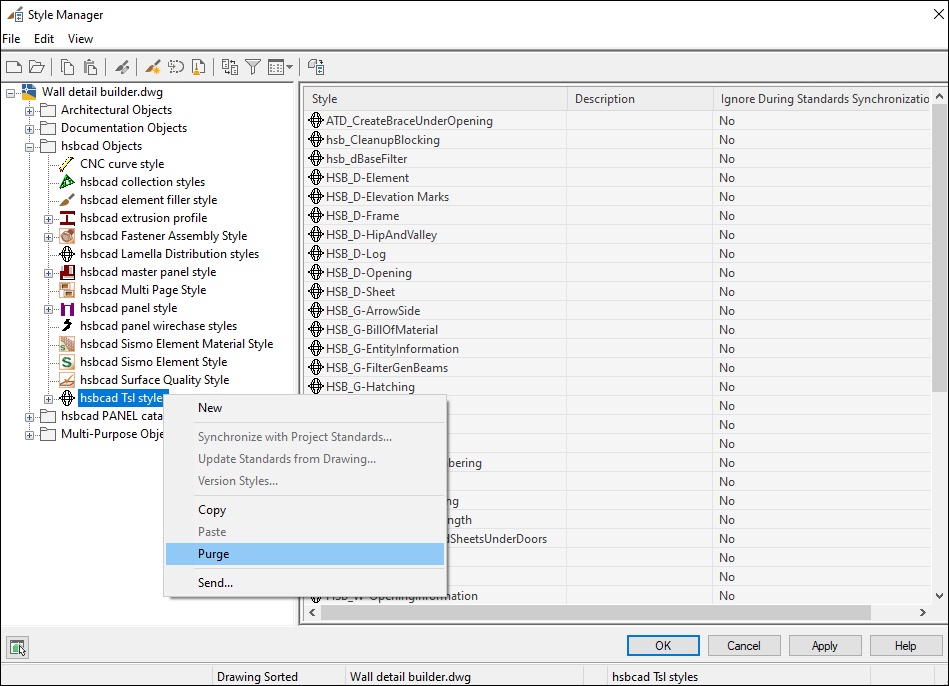
This document will show you how to Save and Purge TSL's.
Used by the hsb-SectionManager.
This tsl distributes the sheet above and below openings depending on width and height of available sheets.
Aliase ermöglichen das Ersetzen von Werten durch einen anderen Wert, einen Alias. Die Aliase werden in Dateien innerhalb des Unternehmensordners gespeichert.
This tsl places detail information as text next to detail line at a given position.
This tsl allows the user to assign one or more entities to a specific element.
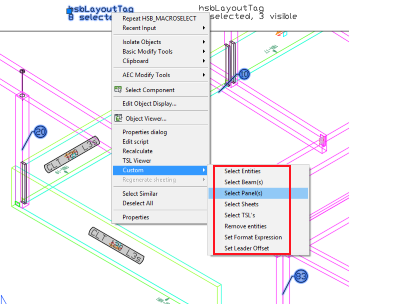
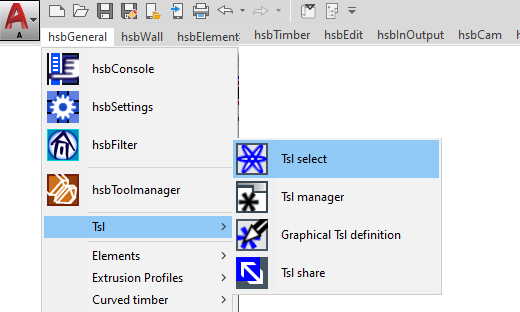
Some TSLs provide custom commands which can be accessed by the right mouse button when the instance is selected.
Das Masterpanelnesting wird in hsbcad verwendet, um BSP-Platten zu nesten. Dadurch wird die Produktion optimiert und der Verschnitt minimiert.
This tsl assigns erection numbers in sequence to selected Entities. Filter for entity type can be applied.
With the hsbModel add-in for Revit you can print Revit models on a large scale by splitting up objects in Revit and adding connections to them.
Sie haben Ihren Computer gewechselt und möchten wissen, wie Sie Ihre abonnementbasierte Autodesk-Lizenz auf den neuen Computer übertragen können.
This feature allows the properties of Entities, Projects and Groups to be formatted inside a string.
If you load your ribbons from the C:\Program Files location (because the company has restriction) it could happen that you need to reload the ribbons every time you restart hsbcad.
So erstellen Sie einen IFC-Export aus hsbDesign.
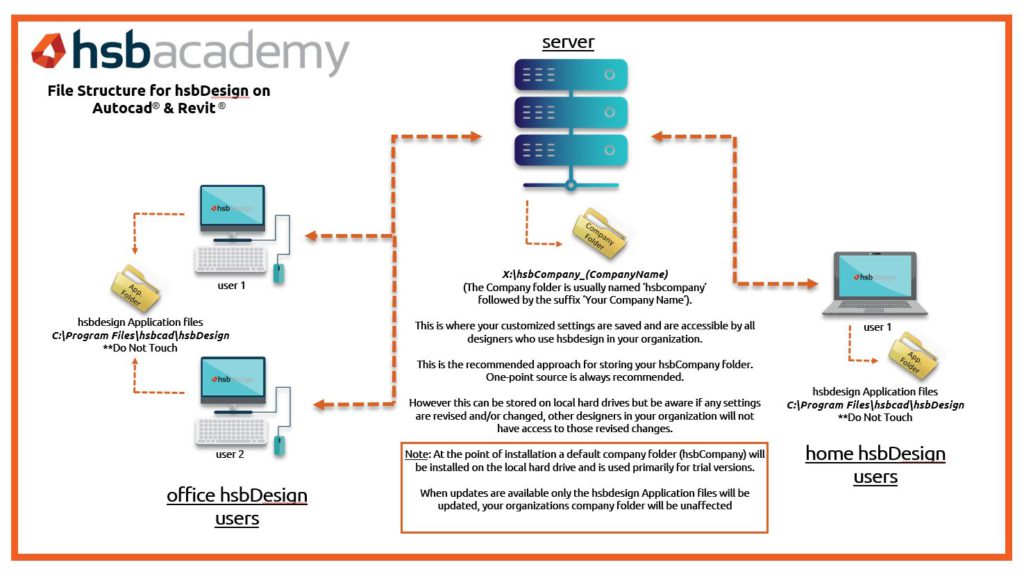
Das Verständnis des hsbCompany-Ordners ist für die Arbeit mit unserer Software unerlässlich. In diesem Artikel wird die Struktur der hsbDesign-Datei erläutert.
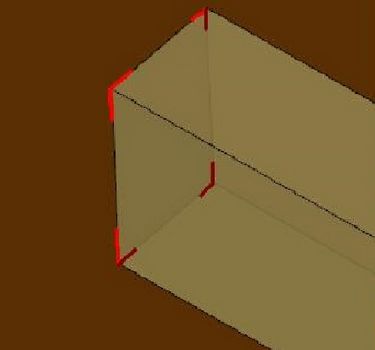
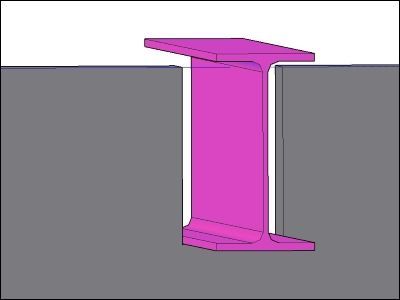
Adds a stretch to structural member(s). The cutting plane can be defined with a model line.
Looking for the new features in hsbdesign? You can easily find these in the new features section.
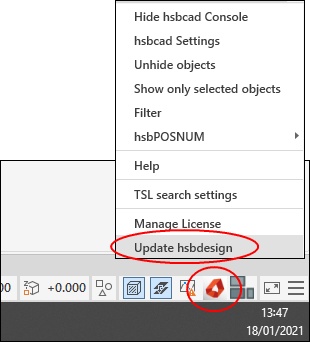
Running the updater is essential to work with the latest version of our software. This article will guide you through the update process of hsbDesign23 / hsbDesign24 / hsbDesign25 or hsbDesign26.
This tsl will add Electricity to a Panel Element.
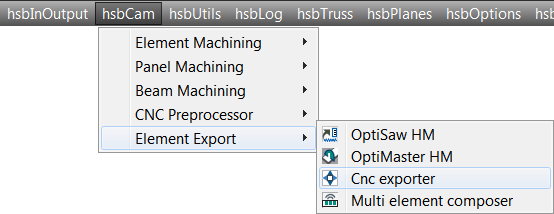
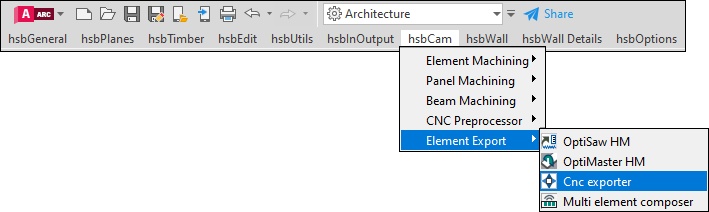
This document will give you information about how to use the hsbexporter.
Before you install hsbDesign you need to download AutoCAD® Architecture. Which version do you need? See for more information the article about what hsbDesign version works with what AutoCAD® Architecture version.
This tsl drills holes in an Roof Element. Only for Roof Elements.
This tsl has been replaced by the hsbCLT-Electra. This tsl will add Electricity to a Panel Element.
Regelmässiges Aktualisieren ist wichtig, um stets mit der neuesten Version unserer Software zu arbeiten.
The table below shows information regarding which hsbcad version works with what Autocad Architecture version.
This tsl checks the spacing between beams and can add beams/ color beams that exceed the allowed spacing.
This tsl sets the project settings of a BOMLink project and stores it in the dwg. Optional one can remove potential settings.
This tsl runs a BOMLink export.
This tsl is used to Mill around Window and Door Openings.
This TSL writes extended data for the bauBit export in each panel and starts the export of the data.
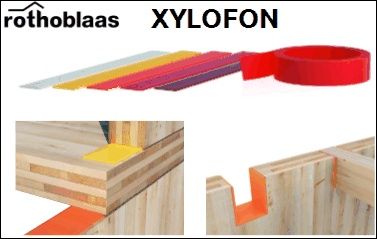
This tsl creates Rothoblaas XYLOFON noise absorbers at panel edges or edges, resulting from throughout beamcuts.
This tsl creates dimensions in the wall elevation layout for the element, openings and panels in the 4 sides of the wall.
This tsl corrects the width and height convention of timbers generation.
This tsl set's the material of the SIPs inside a wall.
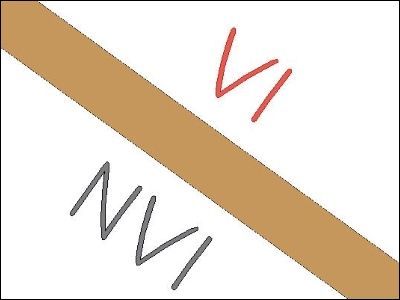
This tsl shows the type of surfaces which are used for the selected panel. This tsl will add the visible and none visible side.
This tsl modifies an edge detail of sip panels.
This tsl will make a U opening in the panel Element.
This tsl rotates the x-axis of the sips 90 degrees, if the width is greater than the length.
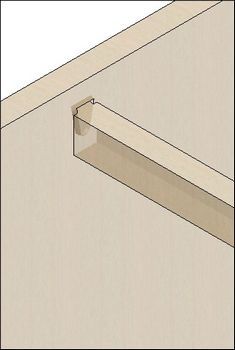
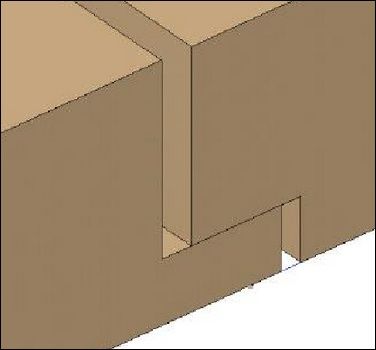
This tsl makes a dove tail between a beam and a CLT Panel.
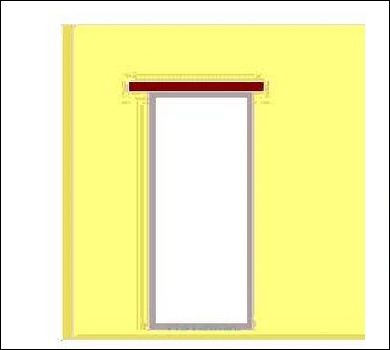
This tsl will put a header above an opening.
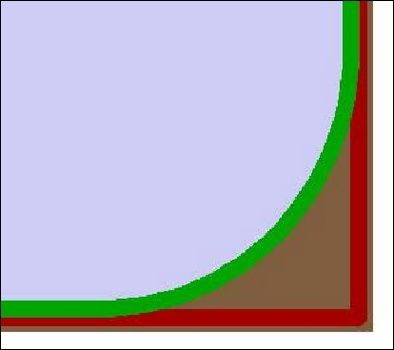
This tsl modifies existing windows or doors like openings in an existing panel such that any corner will receive a fillet with the given radius.
This tsl assigns electrical symbols to an installation object. This tsl is used by hsb_P-InstallationPoint.
This TSL converts solids into hsbPanels under respect of typical CLT requirements.
This tsl converts a given 3DSolid into an hsbPanel. When inserted the user flip, rotate and reassign the panel direction.
This tsl will split your panel and add a lapjoint.
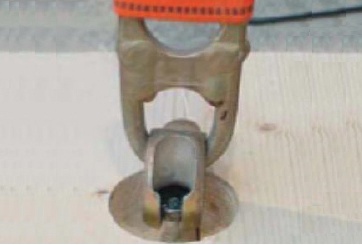
This tsl creates a drill distribution along X-Direction of a genbeam, optional one can connect additional genbeams with it. This tsl calculates the required lifting system depending from the given parameters, the panel weight and it's point of gravity.
This tsl has been replaced by the hsbGrainDirection. This tsl will put the grain direction on the panel.
This tsl supports any extruded solid shape if the extrusion profile consists exclusively of straight segments.
This tsl creates a bill of material table for master panels.
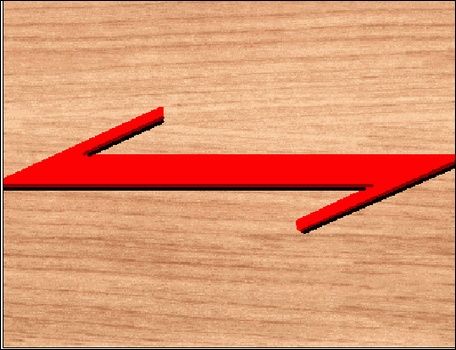
This tsl will put the grain direction on the panel. This tsl has replaced the old hsbPanelGrainDirection.
This tsl generates pseudo log elements based on child stickframe wallsrenamed (replaces hsbPanelCLTWall), element tsl's triggered before command ended style detection enhanced, beamcuts on T-Connections enhanced.
This tsl creates a joint board between 2 panels and determine the placement of the board.
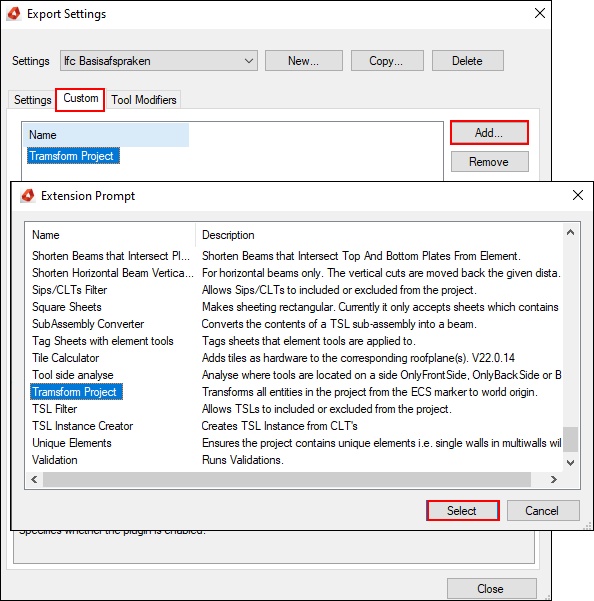
Create your settings for the import and export of a hsbcad model in your design. The extension manager enables you to set up your import and export, by enabling multiple extensions during this process.