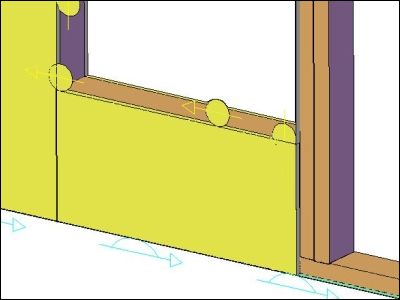
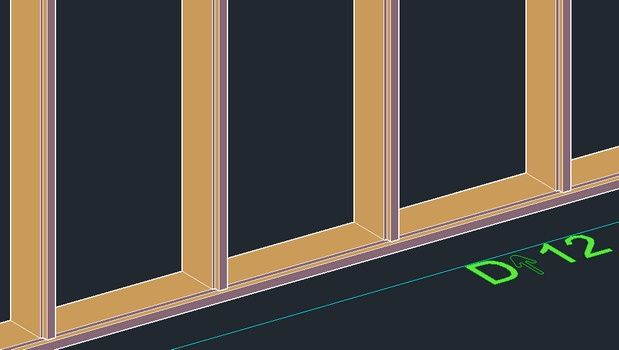
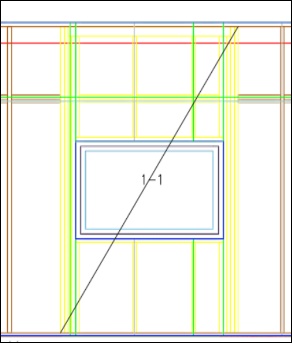
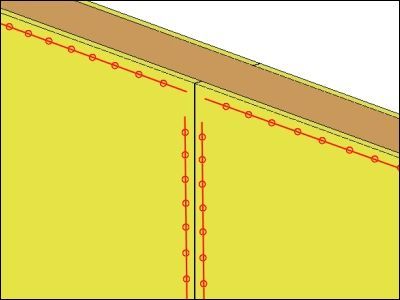
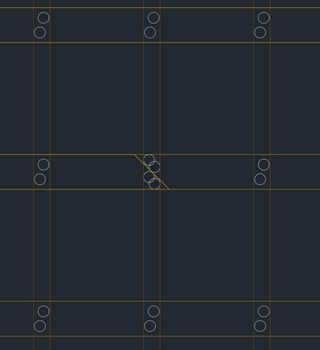
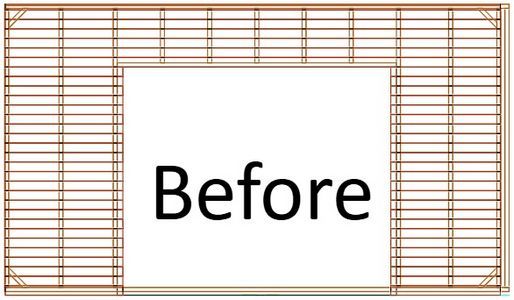
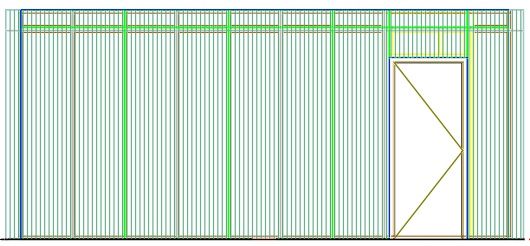
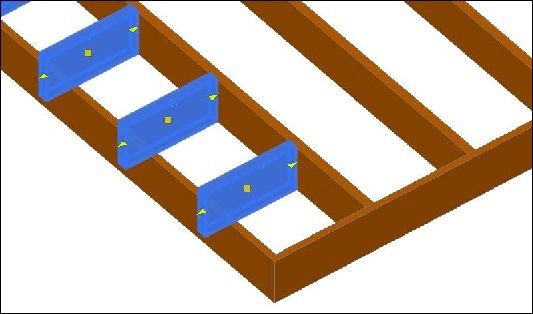
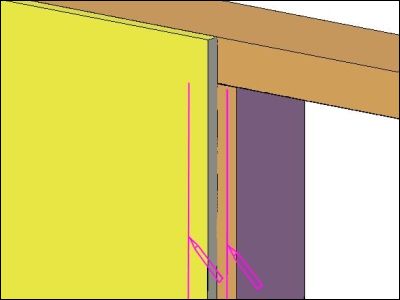
This tsl adds grippoints to zone profile to manipulate them.
This tsl visualizes sub-elements in the layout of the main element.
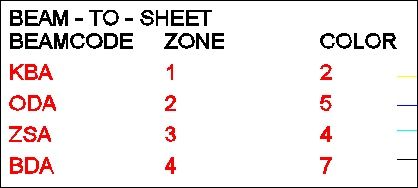
This tsl stretches a beam to a given Beamcode or Beamtype.
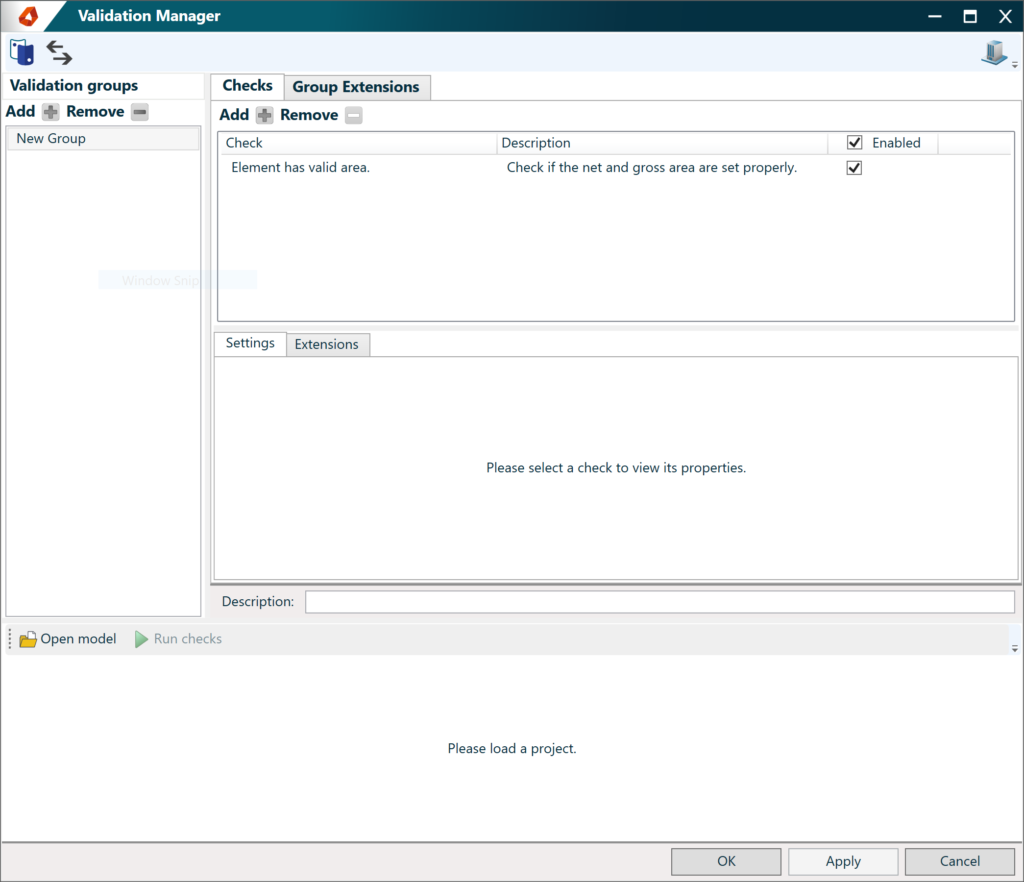
Überprüfen Sie Ihr Modell mit dem Validierungs-Manager und dem Inspektor. Mit dem Validierungs-Manager können Sie Ihr Modell jederzeit überprüfen.
This tsl placed saw and mill lines to selected zone of an Element. Line segments connected to an internal corner are done with a mill.
This tsl sets the main direction of the element to the direction of the rafters. The tsl makes it possible to change the UCS of a roof element.
This tsl makes it possible to enlarge the beams on sheet joint.Only for Roof Elements.
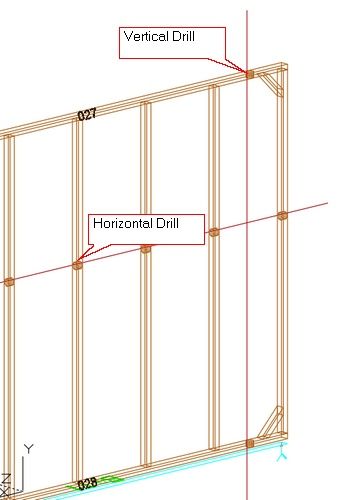
This tsl inserts drills as a reference position. The drills are placed along a vertical and/or horizontal line.
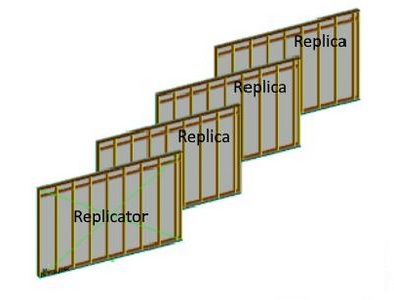
This tsl Replicates elements, child elements are depending on a master element to visualize entities. This is the main Tsl that is used to create replicated elements.
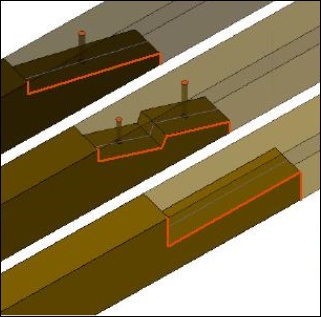
This tsl mills a profile in the beams of an element.
This tsl tries to restore the Element outline. This tsl resets the zone outline to the outline of zone 0.
This tsl numbers modules (opening). The modules are numbered per element.
This tsl applies a naillines to a zone you select.
This tsl creates nail clusters to nail one zone on anther zone. The nail clusters are centered, with the specified offsets, in the intersecting areas between the 2 zones.
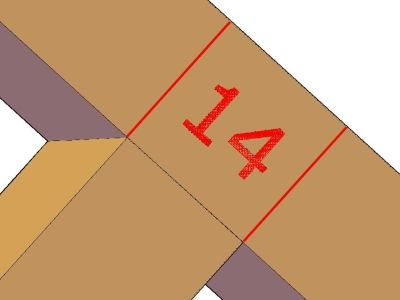
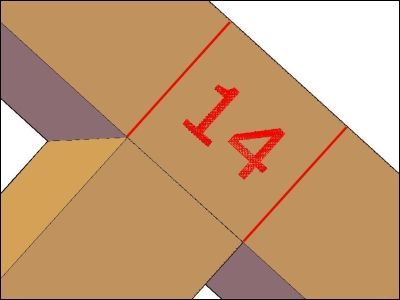
This tsl marks sheeting edges over beams.
This tsl inserts a line pattern on a specified zone.
This document will show you the different actions on the hsbTimber Ribbon in Autodesk Revit.
This tsl places a ladder between 2 beams.
This tsl placed markerlines on the selected zone. The tsl adds lines at the start and the end of the studs/rafters/joists. The length of the markerlines can be specified in the properties.
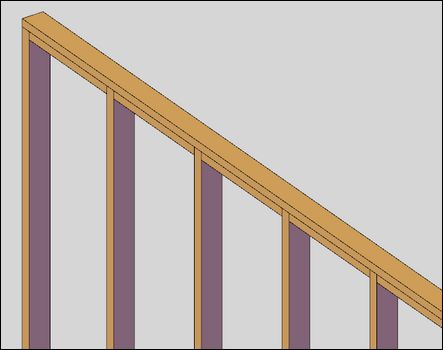
This tsl integrates the beams in the connecting beams in an Wall Element.
This tsl creates marker lines on vertical beams.
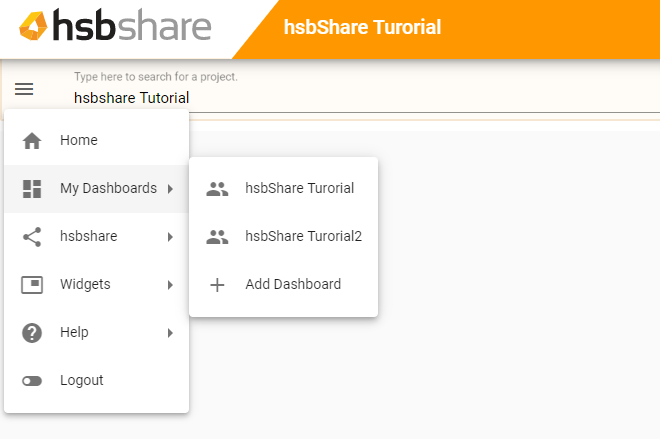
Multiple dashboards can be created and shared for a user defined workflows.
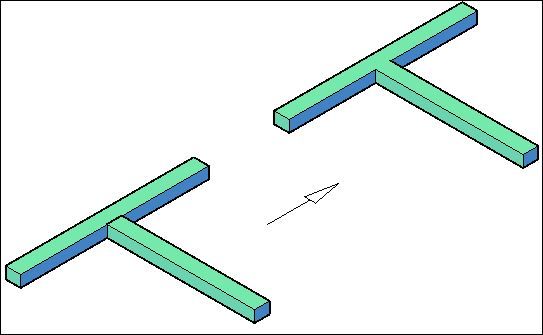
This tsl joins two intersecting beams.
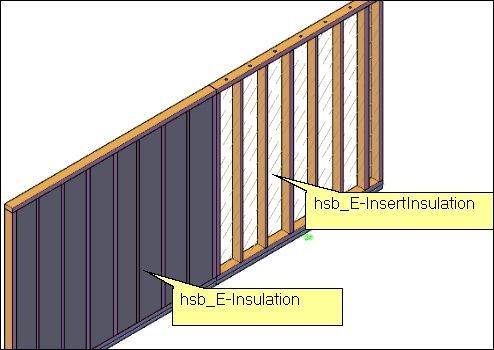
This tsl inserts insulation data to the selected elements (empty space between beams).
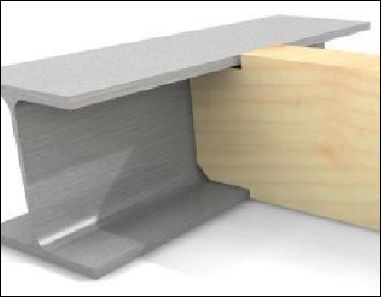
This tsl integrates a steelbeam in the topplate of an element.
This tsl will add Electricity, gas or water symbols to an Element.
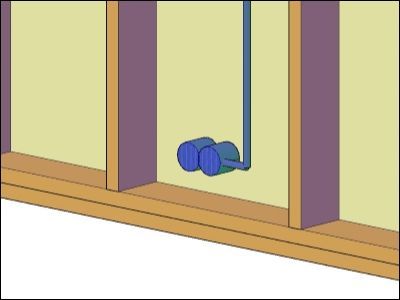
This tsl will add a tube or a line where the tube needs to come on an Element. Specify a path where the tube has to be added, it will automatically cut out beams.
This tsl inserts a rectangle with a detailname to the edges of a floor/roofelement with a cataloque from hsb_E-DetailName.
This tsl adds a list with info of the selected elements.
This tsl labels the beams of the element (optional) and adds marking and identification on beams for cnc export.
This tsl adds nail-clusters to the element. The nail clusters are attached to a zone index.
This tsl swaps the height/width/length of a sheet to the correct values.
This tsl extends specified beams with a given length. It integrates the beams in the connecting Element.
This tsl Places edge information of a Roof/Floor Element at a given position. Catalog for this tsl can be set from DSP; argument to pass should be "DspToTsl".
This tsl creates a cataloque for hsb_E-InsertDetailNames. Only in Roof elements.
Links elements as subelement to main element.
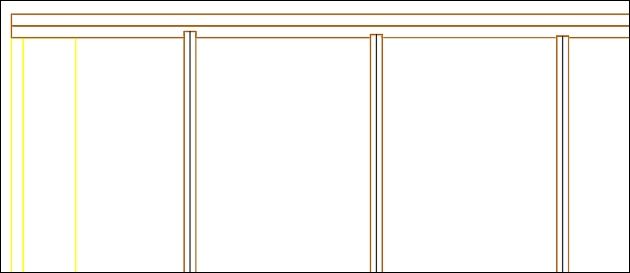
This tsl draws an outline of a specific zone in paper space. You could also add hatching to it.
This tsl creates element drills in a specific zone.
This TSL duplicates beams with beam code.
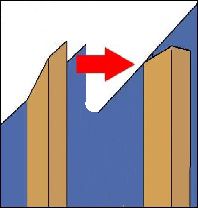
This tsl makes a single cut from a double cut. Only in Roof elements.
This tsl Single/ double cuts on beams are given a straight cut on the shortest point. This functionality is also available in DSP since hsbcad 2015.
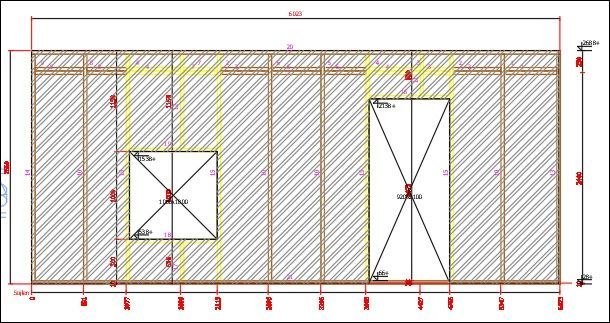
This tsl draws and distributes sheeting in a specified area.
This tsl sets the beam codes of the beams to convert to a dummy beams.
This tsl is used to convert beams to a different color. This tsl uses a Catalogue.
This tsl combines 2 Roof elements into 1 new element and visualizes this into a MultiRoof element.
This tsl checks the spacing between vertical beams and can add beams/ color beams that exceed the allowed spacing.
This tsl creates a blocking when you have drawn a full length beam over an element. The beam is split.
This tsl converts a beam to a sheet. This tsl uses a Catalogue.
This tsl changes SIP's zone from selected element(s) (Meant to be used on debug).
This tsl changes the zone where entities are assigned to.
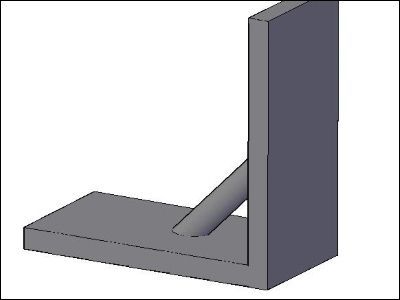
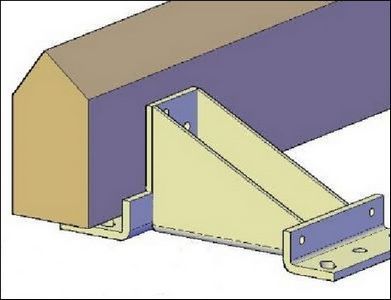
This tsl places an angled Iron at the t-connection of the two selected beams.
This tsl This tsl Creates a sole plate under Wall / CLT Elements.
This tsl places blockings on multiple heights of an element.
This tsl assigns extra information to Joist and Rafters in an element.
This tsl draws an X on the opening that has a point load over them.
This tsl places blockings on 1 height of an element.
This tsl creates headbinder on the selected elements and clean the connections. The headbinder can get attach to a loose group or to the element under need.
This tsl creates a floor element around the selected beams and assign it to the current group.
This tsl creates sheeting boards with 2 batters to support them. They are created between studs and flush to zone 6.
This tsl creates nail lines in 10 zones for StickFrame walls and attaches information for export.
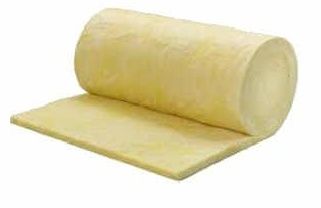
This tsl places insulation between the studs of an element. You can set the thickness of the insulation.
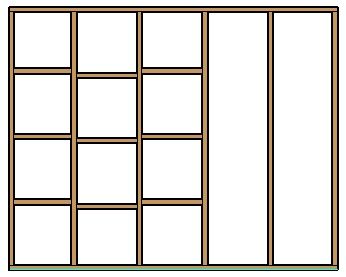
This tsl creates a distribution of blocking beams and stretches vertical and diagonal beams accordingly.
This tsl creates glue lines in 10 zones for walls and floors, and attaches information for export.
This tsl creates Electrical fixture in a Wall Element.
This article will guide you through the setup and installation of hsbDesign23 for AutoCAD® Architecture. Before you get started with your installation please take note that hsbDesign23 is only compatible with these versions of Autodesk AutoCAD® Architecture: 2019, 2020, 2021 & 2022.
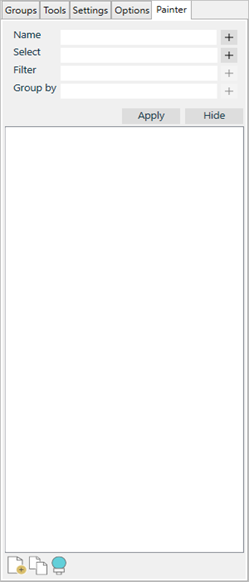
Painter is a high-level filter system, which gives you the opportunity to focus on specific items in the model. Useful when working with for example CLT, and whenever you need to analyze data as you do in hsbBOMLink or tsl.
Adds an Electrical circuit in a Wall Element.
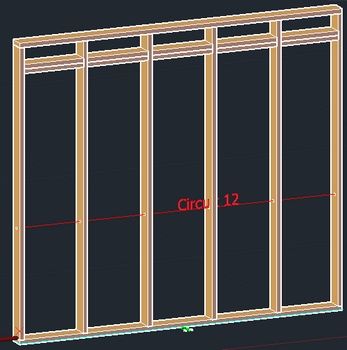
This tsl creates an Electrical circuit in a Wall Element.
This tsl inserts insulation data to the selected elements (empty space between beams). This tsl places Insulation between the studs of an element.
This tsl is required for the hsb-ElementDefinitionCatalog.
This tsl creates a section from an element based on an existing hsbCAD viewport, that viewport must contain the hsb-SectionManager.
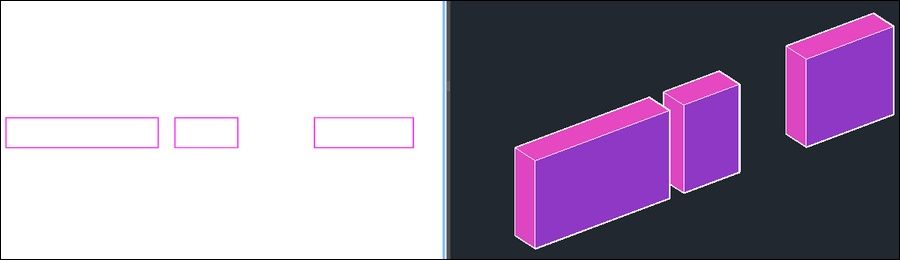
This tsl can split a beam with a gap.
This tsl splits a set of beams into predefined lengths.
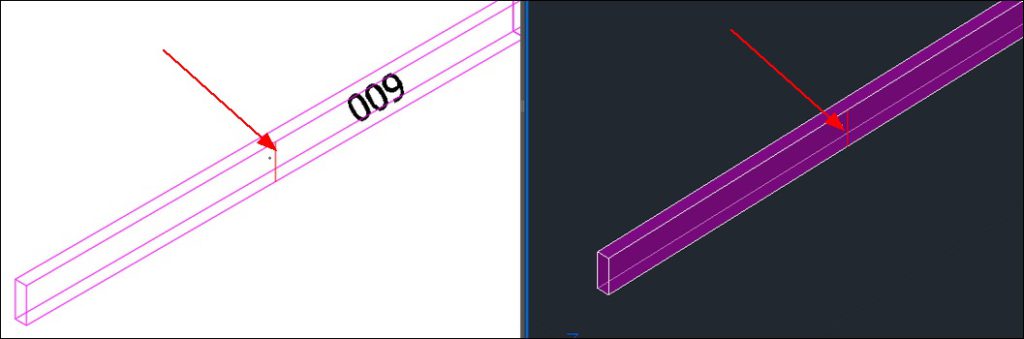
This tsl adds single maker line (mark) to a beam.
This tsl creates a catalogue for hsb-ElementDefinition.
This tsl creates a list in paperspace. This tsl uses a Catalog.
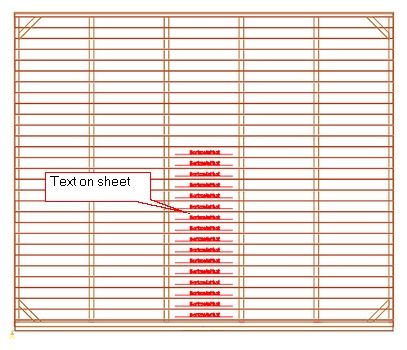
This tsl adds text to selected sheets.
This tsl creates marker lines for a t-connection. This tsl labels the beams that touch another beam and adds marking and identification to them.
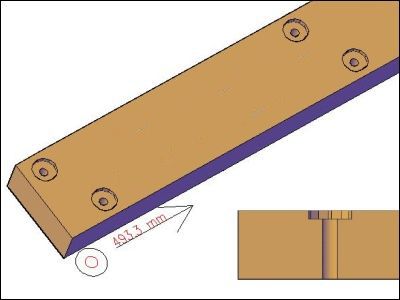
This tsl applies a drill pattern to a beam. There are always 2 drills at the start and 2 drills at the end of the beam.
This tsl is a combination tsl that is used to join a set of beams.
This tsl joins a set of beams.
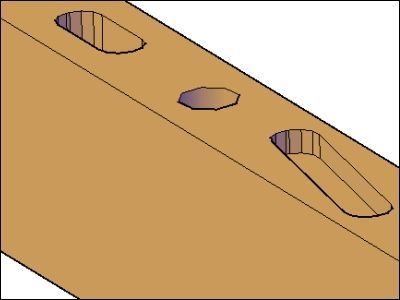
This tsl applies a drill to a beam.
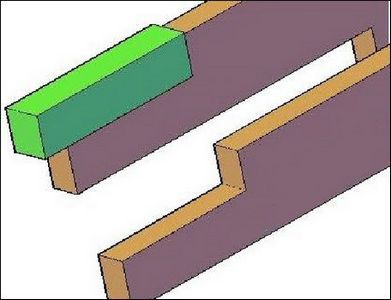
This tsl adds a beamcut to a beams.
This tsl will join wall plates in the same roofplane. After they are joined they are split into standard lengths.
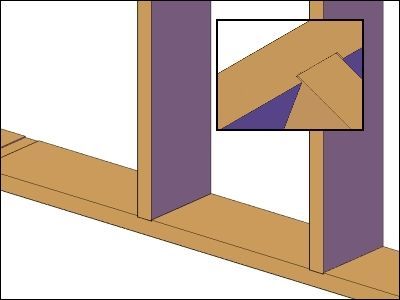
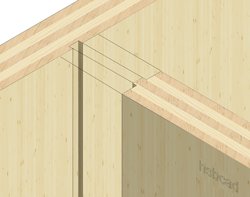
This tsl creates a cut with the shape of the male beam into the female beam, mainly used for profile beams.
This tsl creates marker lines for a t-connection.
This tsl places marks on places where two beams are touching each other. Head-to-head contacts are not considerd.
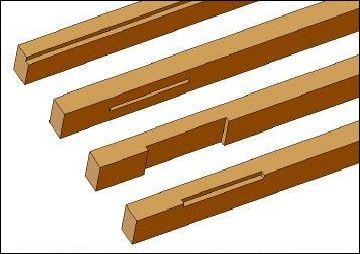
This tsl creates a single or double scarf joint on multiple beams.
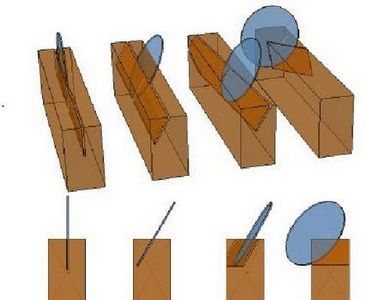
This tsl will make a cut in your beam.
This tsl creates a cut along a Profiled beam.
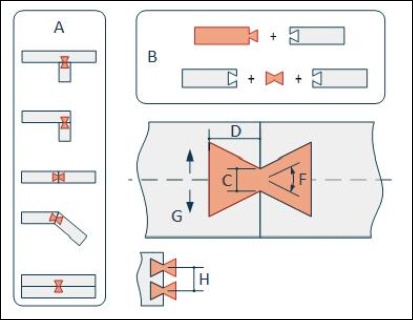
This tsl creates dove tail connections in various alignments.
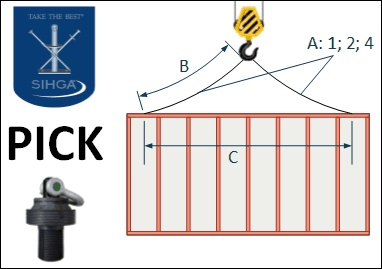
This TSL creates SIHGA PICK lifting devices in Stickframe Walls, referring to it's center of gravity.
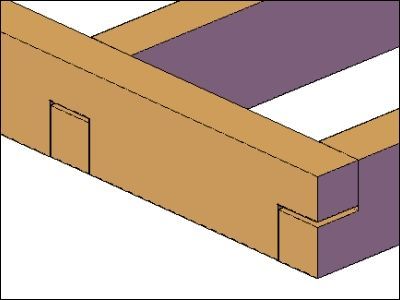
This tsl creates a beamcut on one face of a beam.
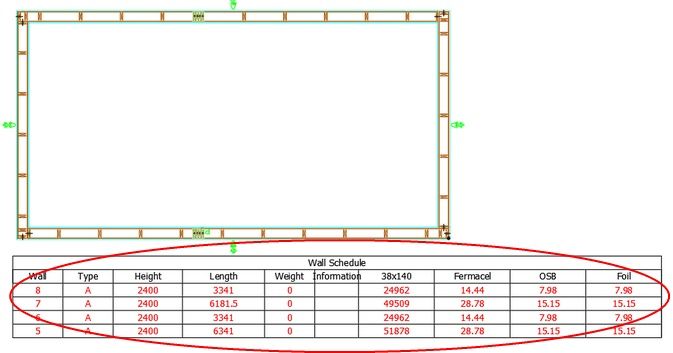
This tsl draws a table in model with information from the panel and export it to Excel.
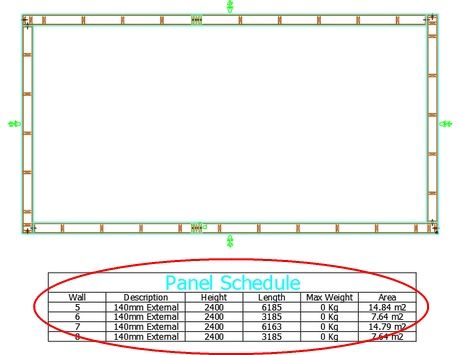
This tsl creates a table of Wall Number,Description,Height,Length,Max Weight, Area for Stickframe walls in the modelspace.
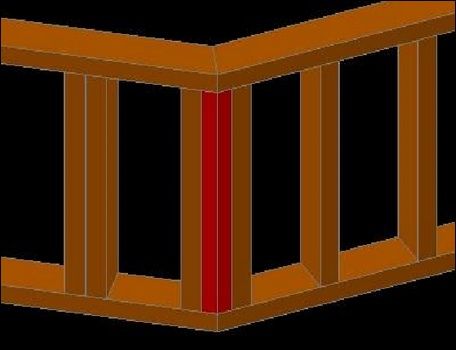
This tsl creates fillet timbers between open angled Stickframe walls and assigns the fillets to their respective elements.